Claudiio Beck
The goal for any local or small-scale retailer is to produce content that performs two distinct roles: it must stop the scroll on social media and answer technical questions on the product page.
For many small business owners, the primary barrier to digital growth isn’t the quality of the product—it’s the quality of the content. Capturing the rich texture of a fine leather purse or the subtle sheen of hardware requires a level of photographic skill, studio lighting, and post-production that is often financially out of reach for a lean operation. Without these professional visuals, even the most premium items can appear “homemade” on a storefront, which can inadvertently signal a lack of credibility and lead to lower conversion rates.
Artificial Intelligence has fundamentally changed this dynamic, democratizing high-end production for local retailers. Instead of requiring a physical studio and a professional crew, business owners can now use AI as a digital art director and editor. By leveraging generative models, you can take a basic, well-lit photo from your smartphone and transform it into a sophisticated asset library. AI solves the perennial challenges of staging, lighting, and perspective, allowing small brands to present a visual identity that rivals global luxury houses at a fraction of the cost.
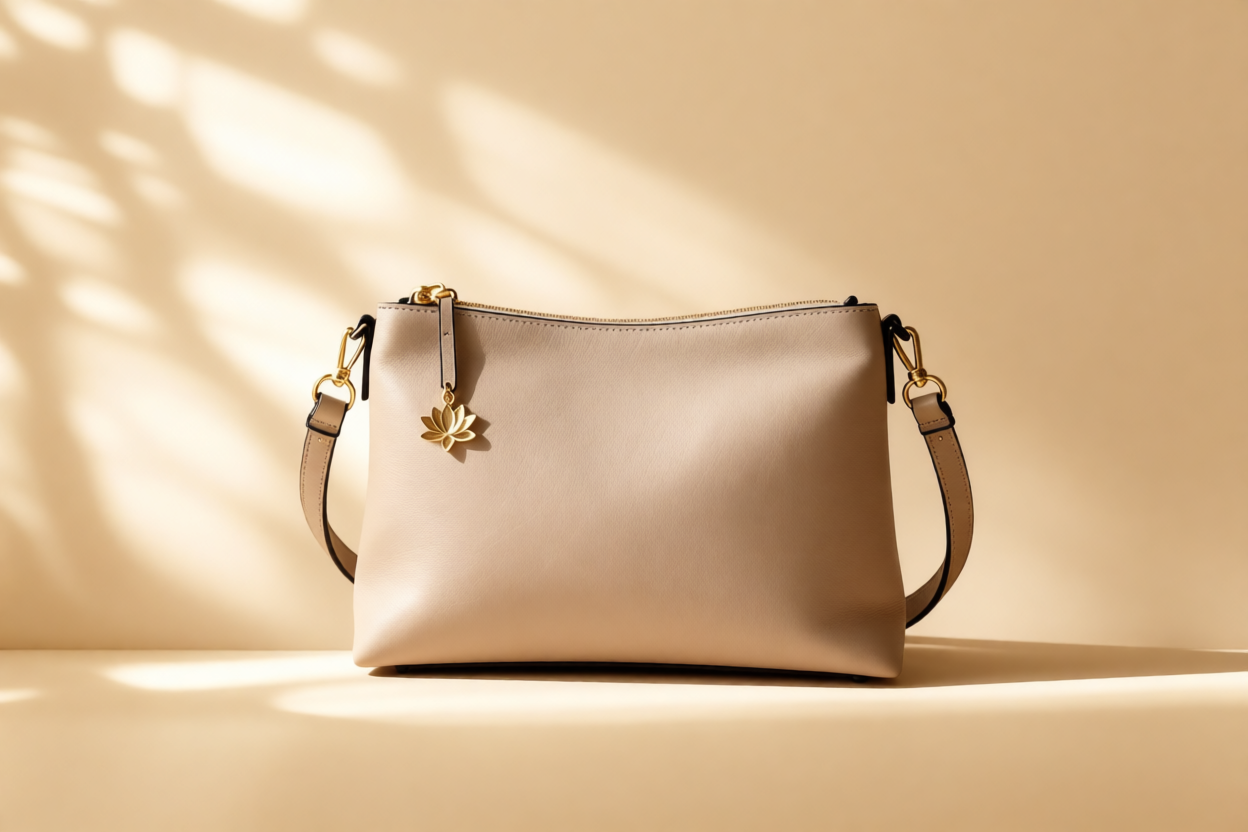
For platforms like Instagram and TikTok, the goal is “aspirational storytelling.” The product needs to look like it belongs in the hands of your ideal customer.
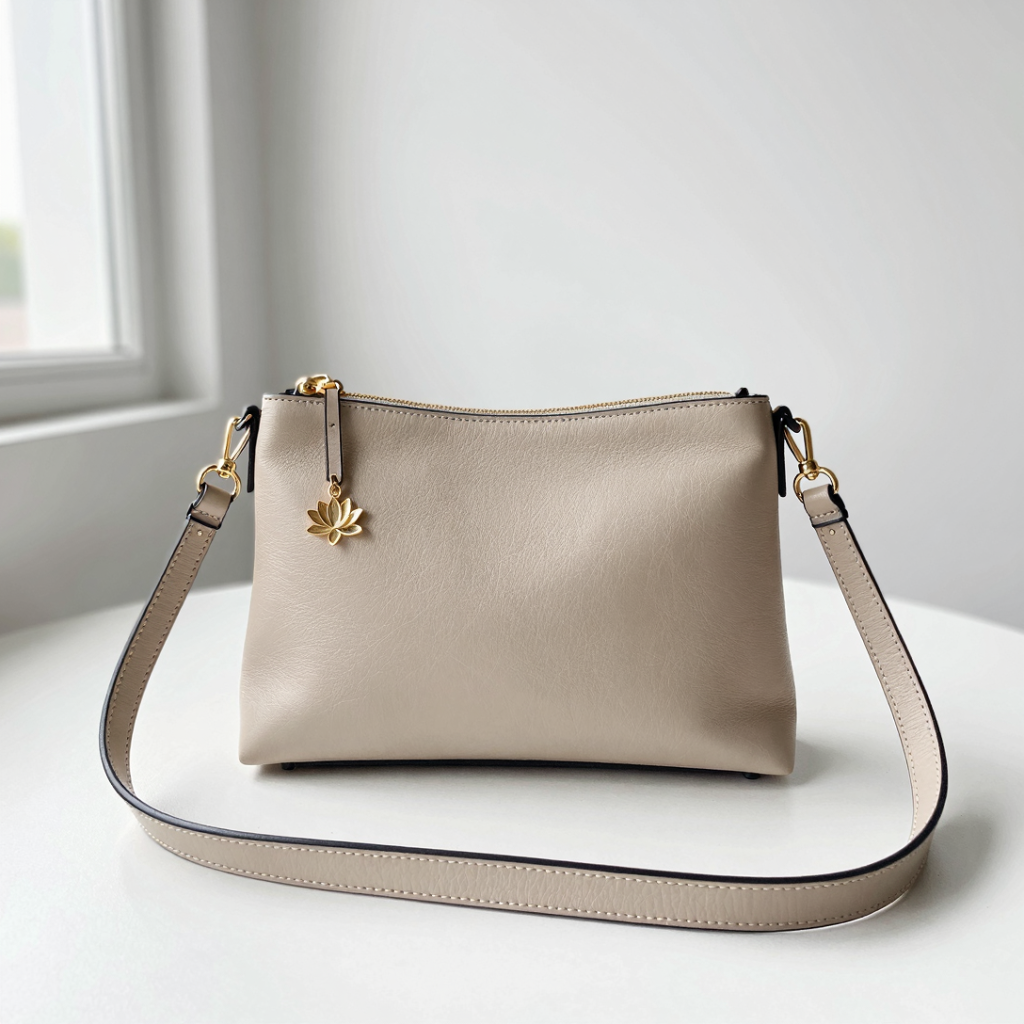
Using various AI models and workflows, we can take that basic iPhone photo and transplant the purse into a high-end, realistic setting without losing the integrity of the original leather texture, features, dimensions, details and other characteristics.
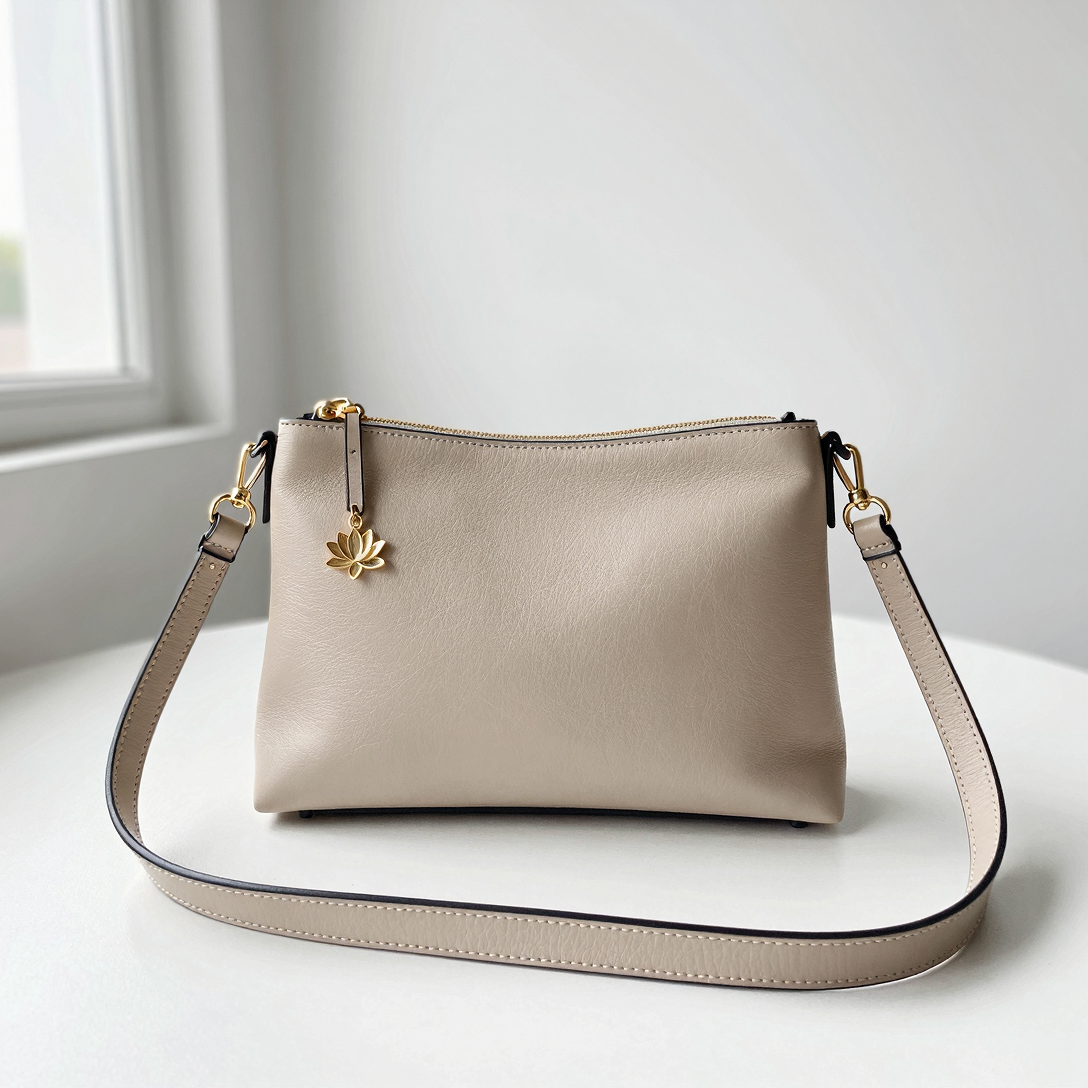
◄ Take the example here on the left: the purse was shot on iPhone using basic camera settings and natural lighting. The picture itself is not bad, would suffice for Marketplace or other online selling markets, but certainly is not good enough for a social media ad or e-commerce presentation.
The original image has to have some correction done. By adding some dynamic characteristics to the main element we can better grab the attention of the audience. But how/which AI Model to use?
In order to accomplish that, we have to remove the background, change the camera lens length, maybe even change the angle a little bit. Adding more context to the image means choosing a scenario and a story to tell.
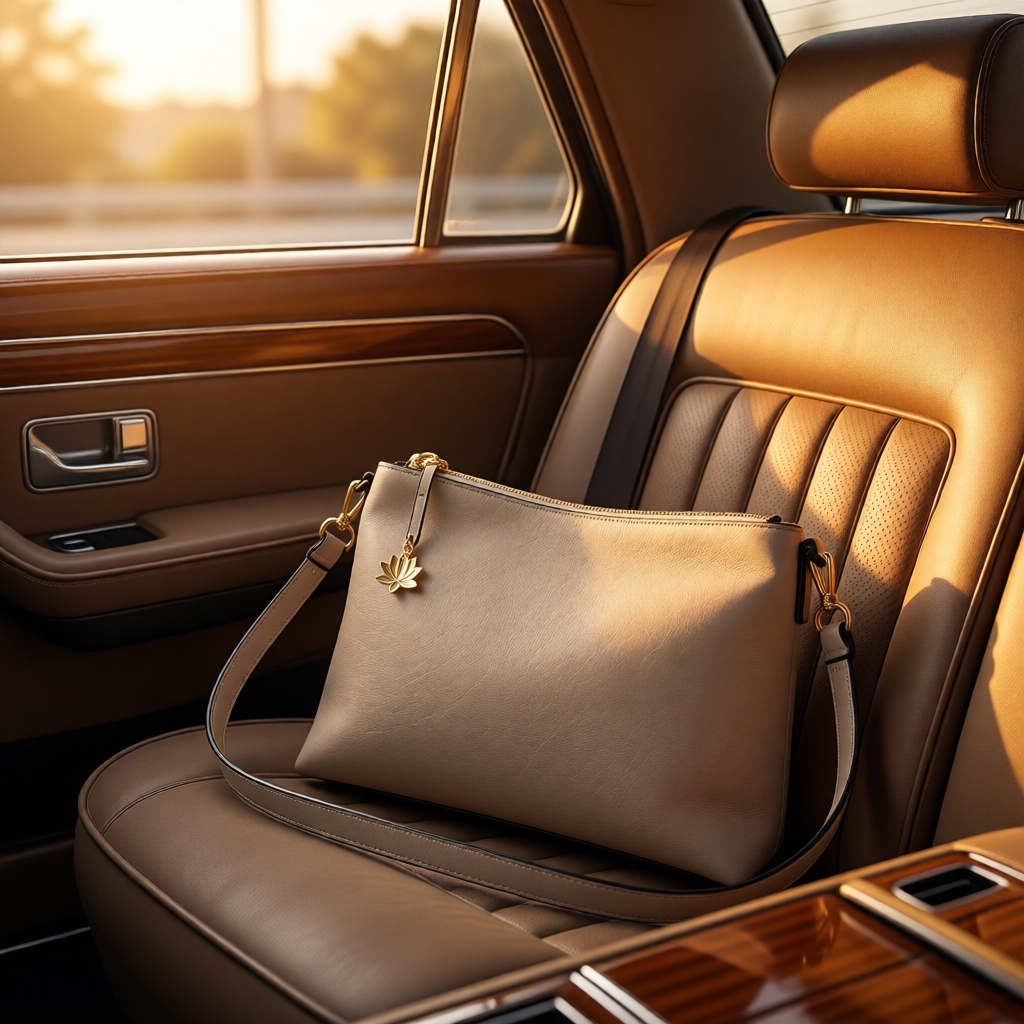
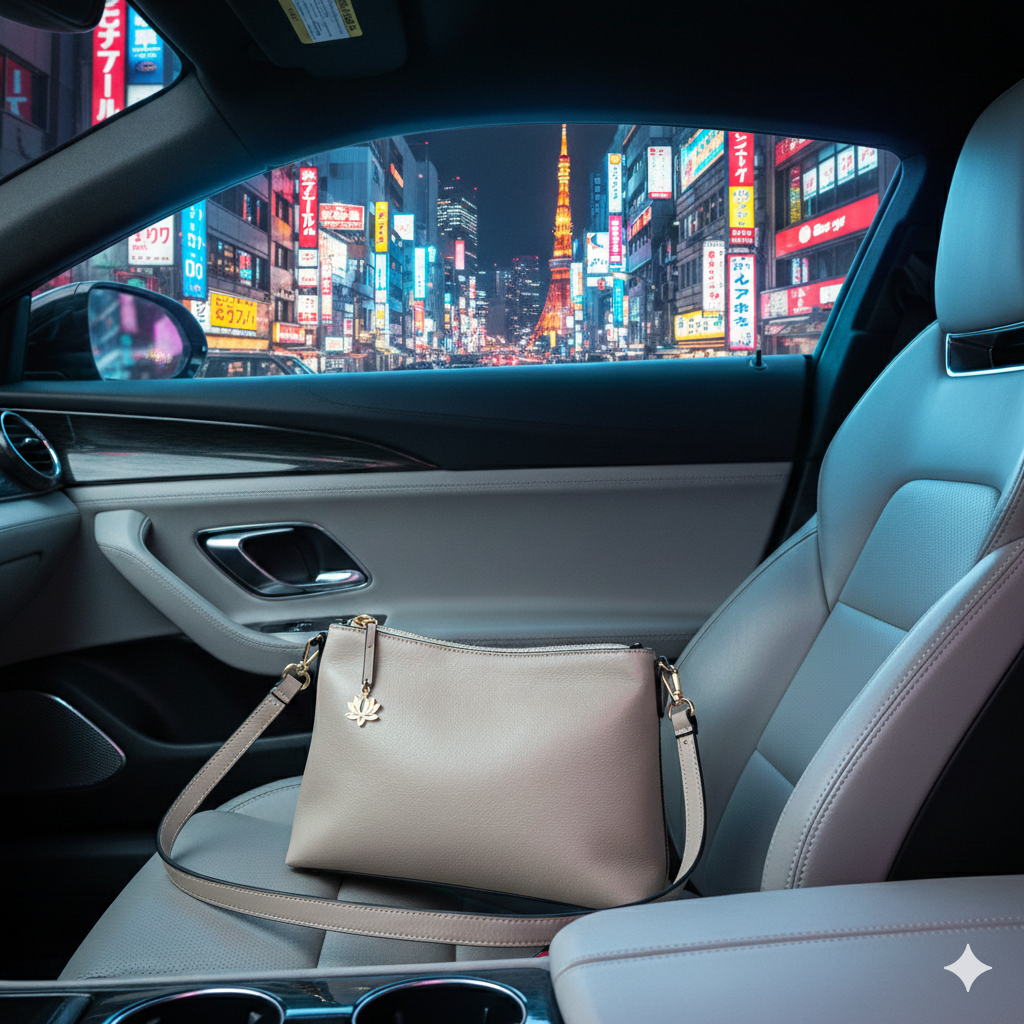
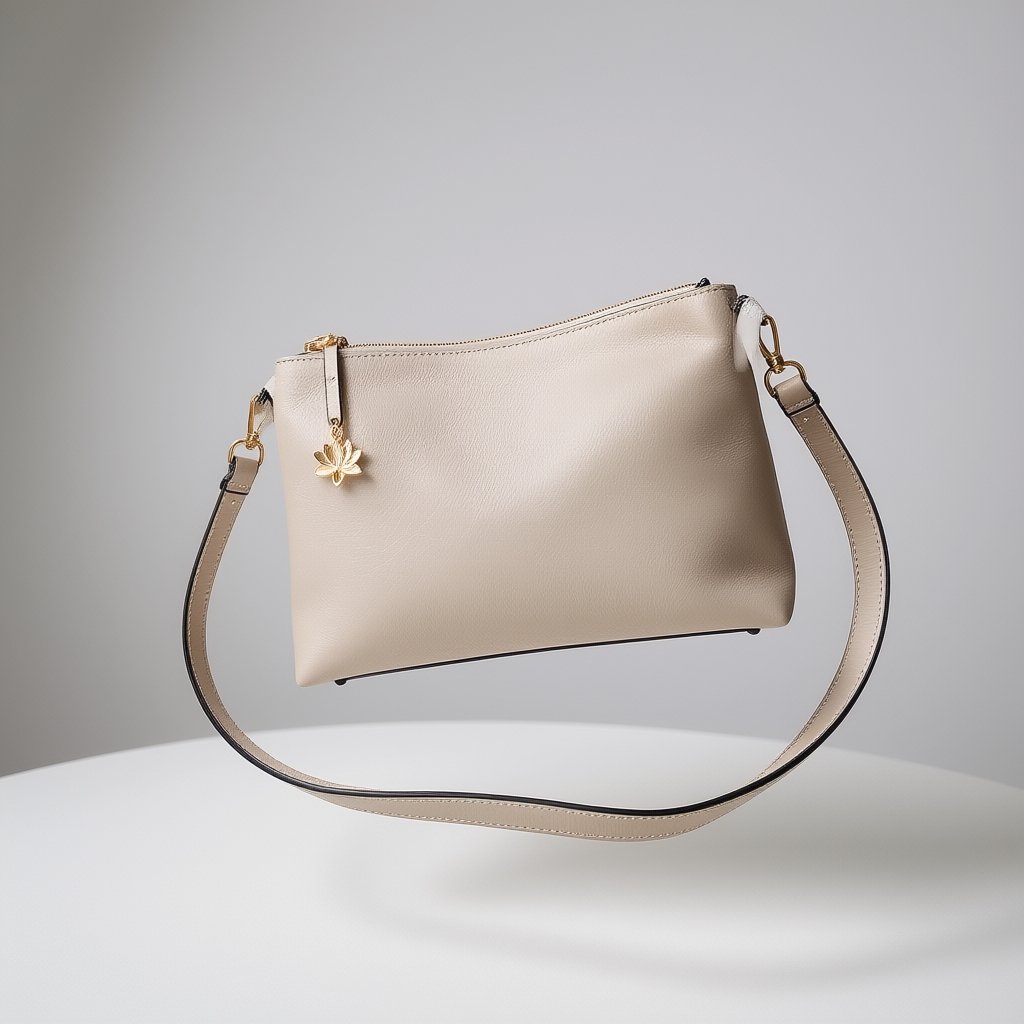
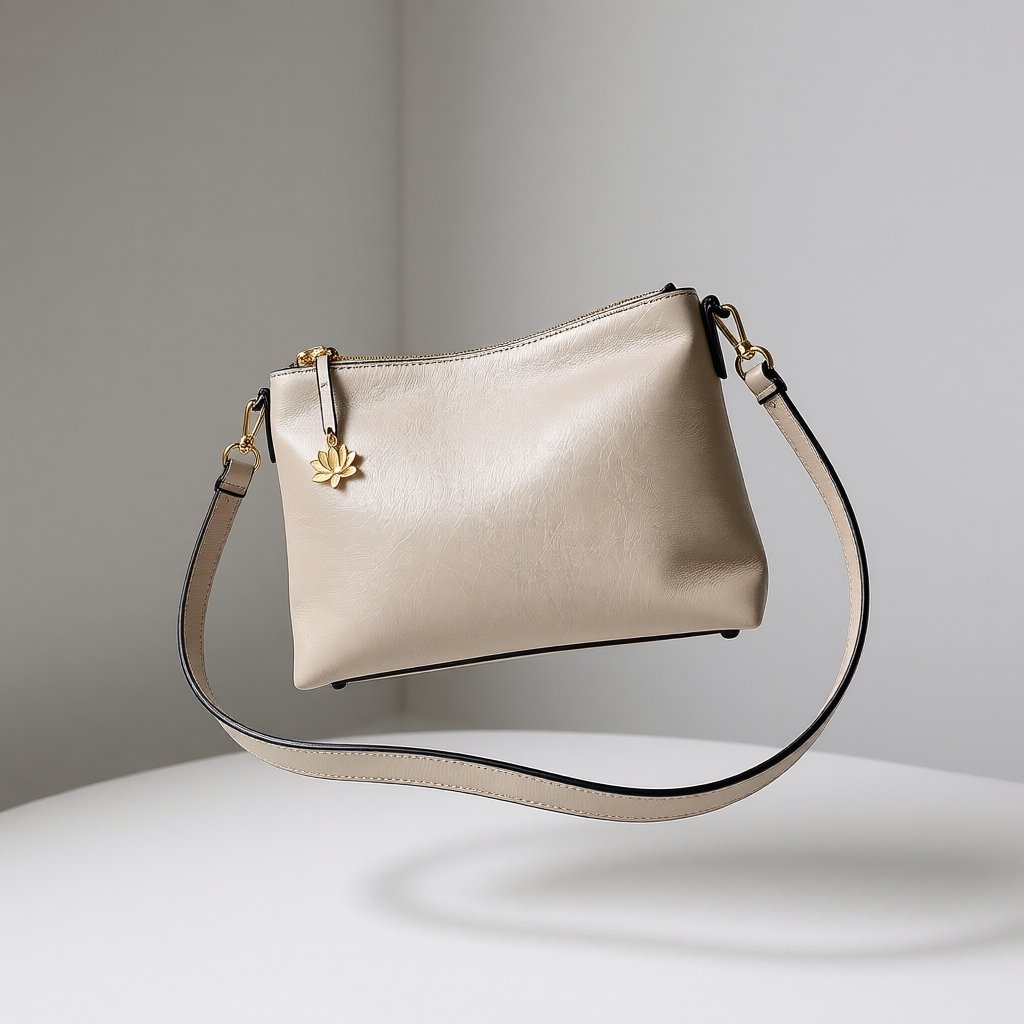
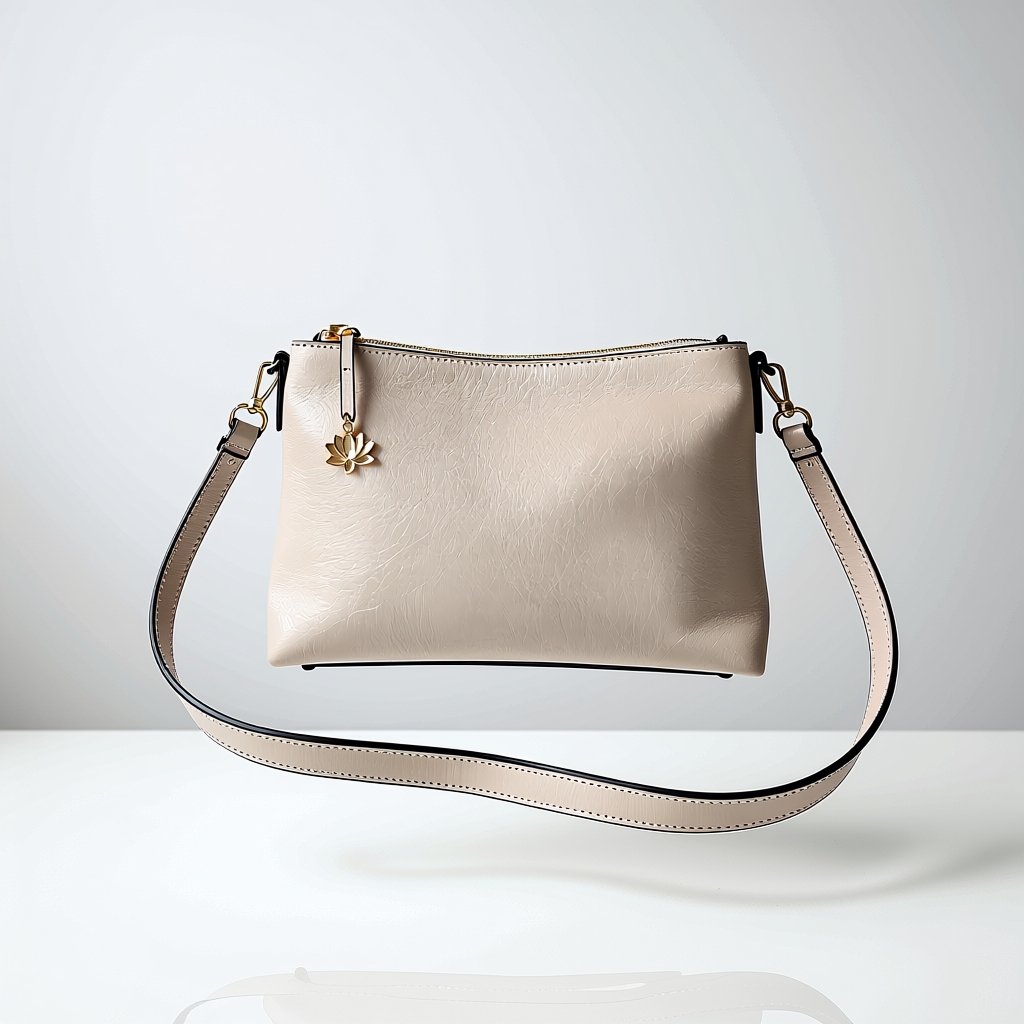
As of January 2026 there are three main AI Edit Models competitors on the market: Flux Kontext is the German AI model, Qwen Edit is the Chinese AI model and Gemini Nano Banana is the popular American AI model. All of them have pros and cons which let us adjust through a prompt all the changes we need. Take a look at the comparison pictures below using the same edit requests.
Click images to see larger version.
Although all three results looks good, they are far beyond something professional. The dimension of the purse is affected and even the background looks distorted or way too much artificial. The overall mood, light technique and camera angle seems good, but placing the product requires more steps. For that, we are going to add extremely targeted details in the prompting.
All of them need obvious adjusts, including the purse dimensions that are way too off.
High-quality, professional images are rewarded by search engine algorithms. By using AI to generate clean, high-resolution catalog shots, you improve your chances of appearing in Google Image Search. When you name these files descriptively, you are actively building an SEO foundation that brings local customers directly to your door.
The “levitating” approach for this product goes hand in hand with its premise. This is why we are going to make further edits and use this idea as our main central point to promote this product.