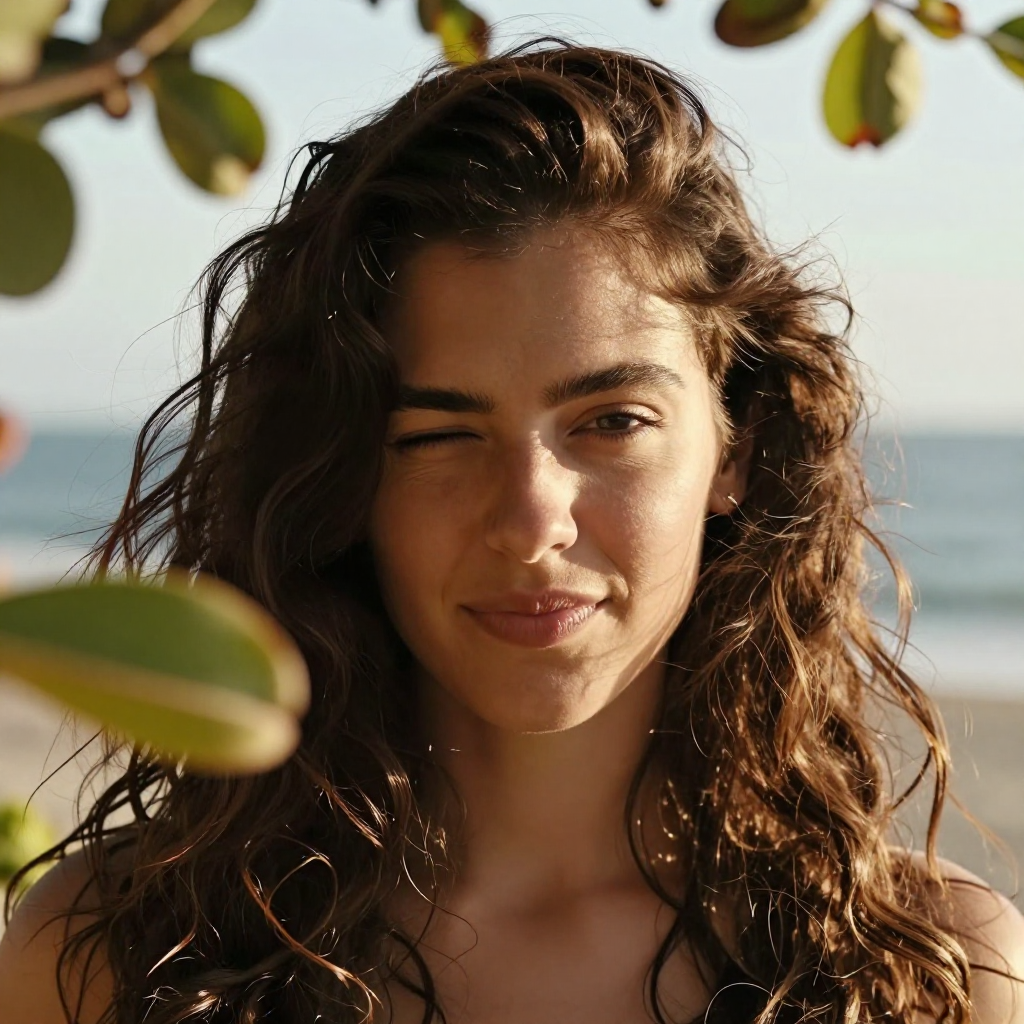
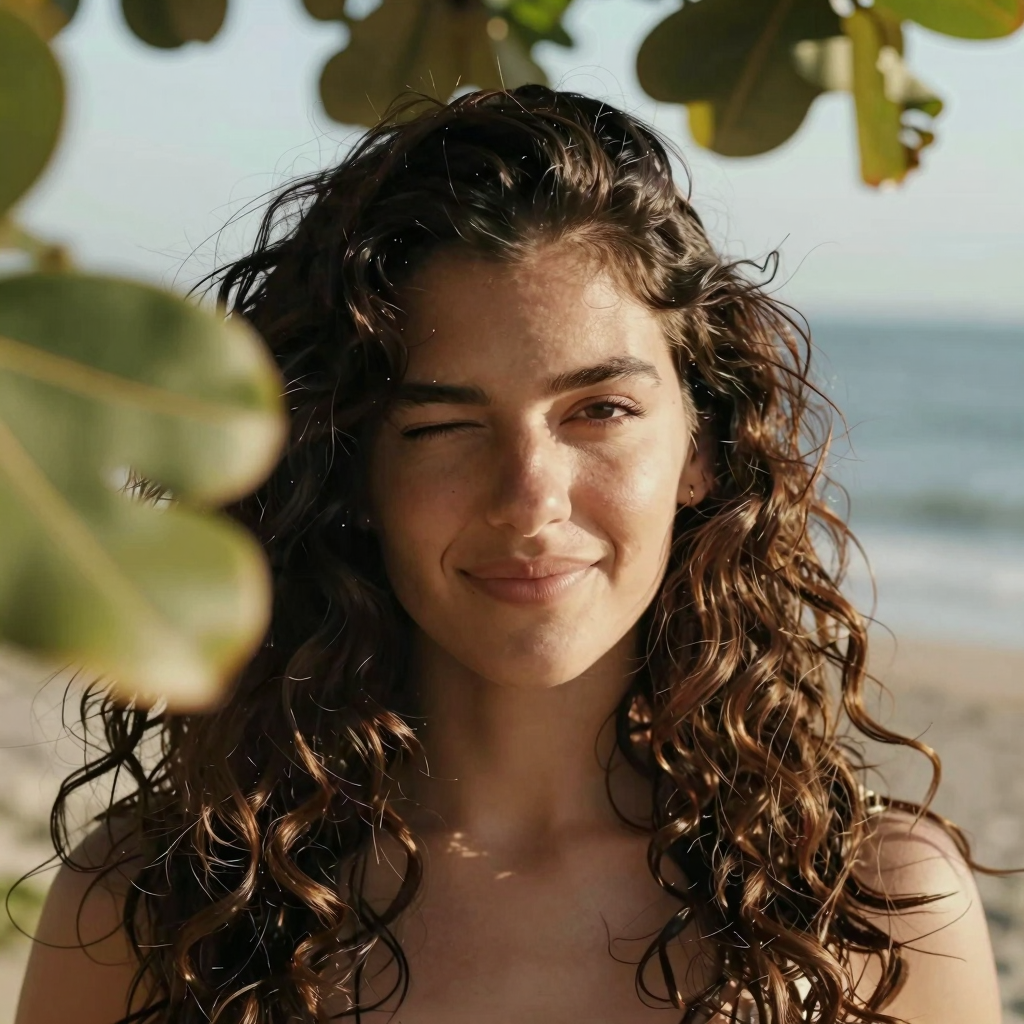
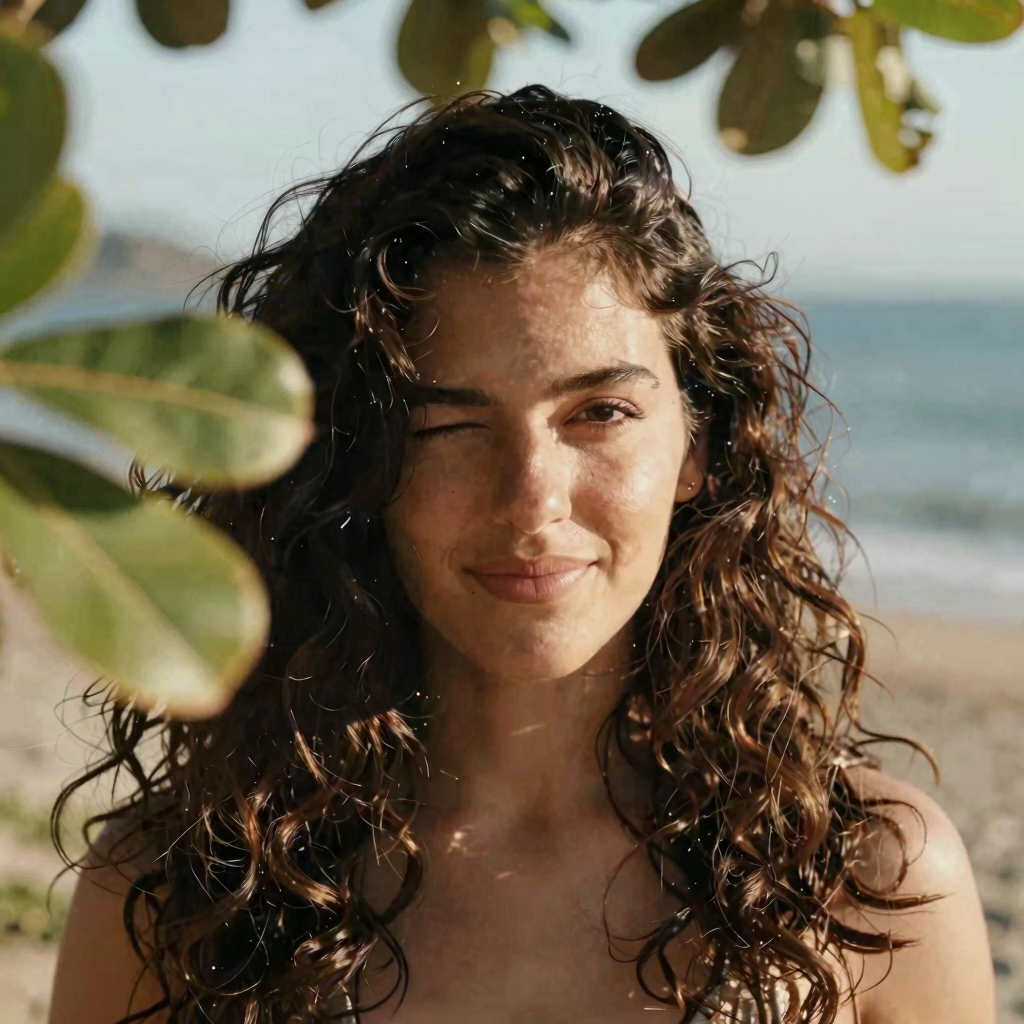
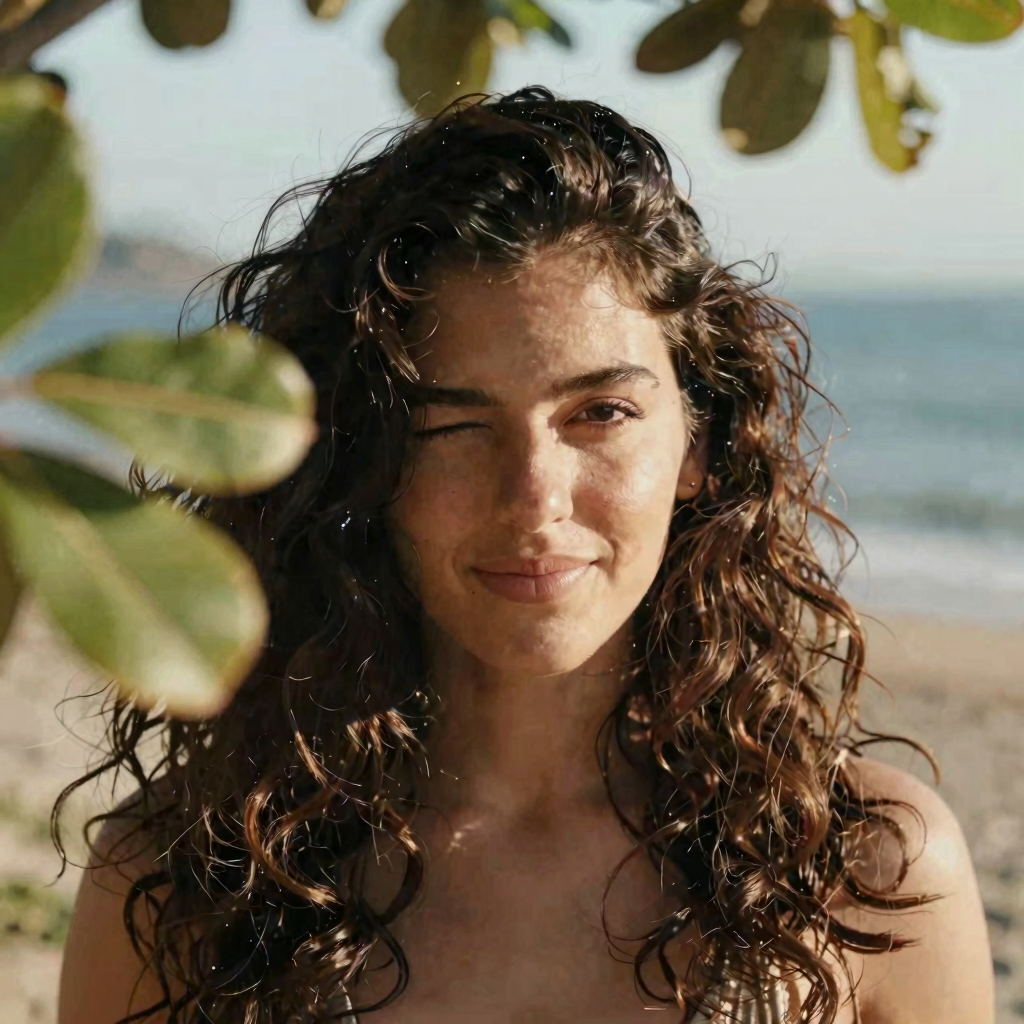
Z-Image Comparison test

benchmark on model shift / steps / scheduler

Just a few days after Flux 2 hiting the AI scene on end November 2025, the chinese came along and shove both feet at the door with this Qwen based fast model called Z-Image that excels in realistic portraits, celebrities and landmarks.

This my personal comparison chart to benchmark its features and this is my attempt to understand what each node does and what each settings affects the generated result. Follow along to check it for yourself too.

Seed = fixed
Steps = see comparison below
CFG = 1 (will adhere strictly to the prompt, without deviations)
Sampler = res_multistep (suggested by the model’s author)
Scheduler = simple (suggested by the model’s author)
Denoise = 1

No LORAS, no extra nodes

Timestamps are based on a GeForce 3080TI 12 GB RAM

Positive Prompt below / Negative Prompt = none

steps

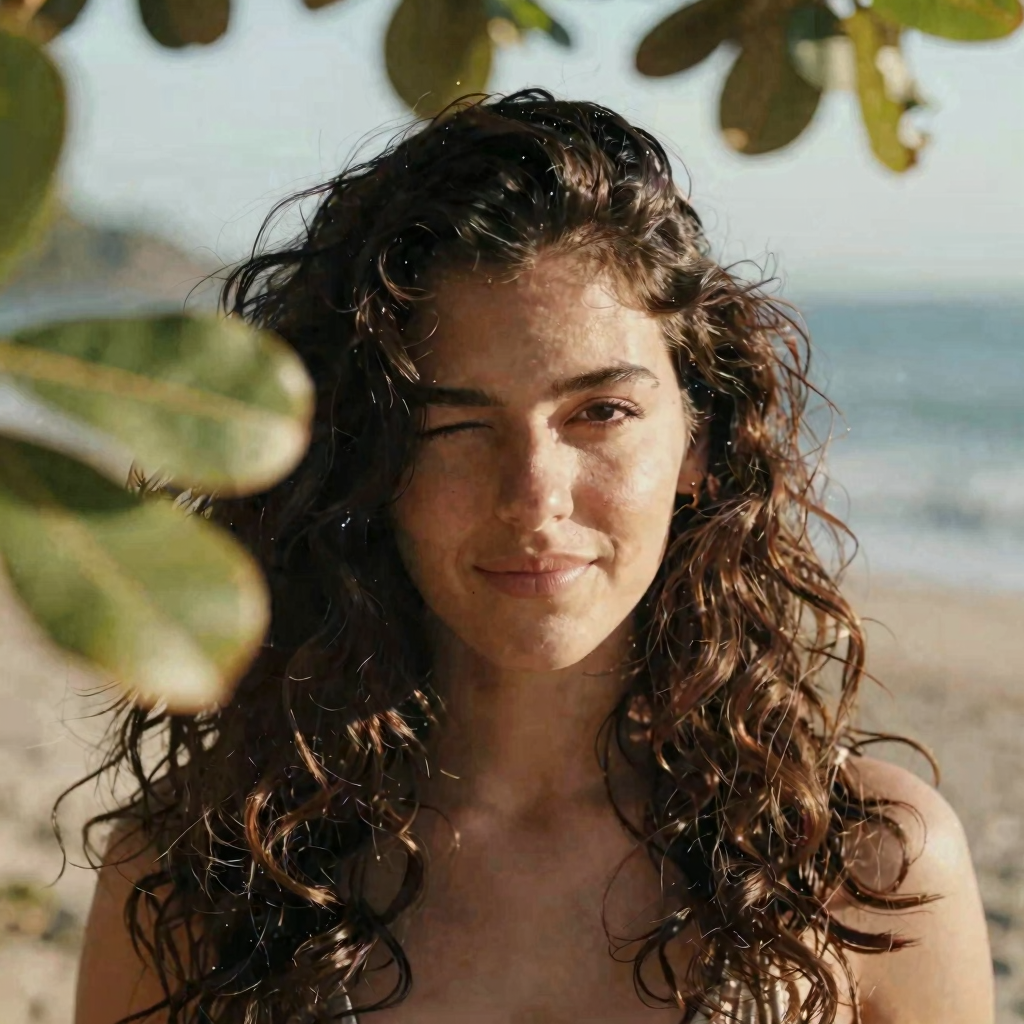
Steps means how many times the latent space will be calculated before delivering the final output. Z-Image is a fast model and was developed to use less steps. Here, I found the best results are between 8 and 12. Less steps generates too few details, more steps generates extra noise and some inconsistencies, mainly on the hair.

				
					Latina female with thick wavy hair, blinking to the camera, there are some out of focus tree leaves in front of her. Breezy seaside light, warm tones, cinematic close-up.


Steps 4
Time 7″

Steps 8
Time 12″

Steps 12
Time 18″

Steps 24
Time 26″

Steps 32
Time 44″

Steps 50
Time 68″

Model shift

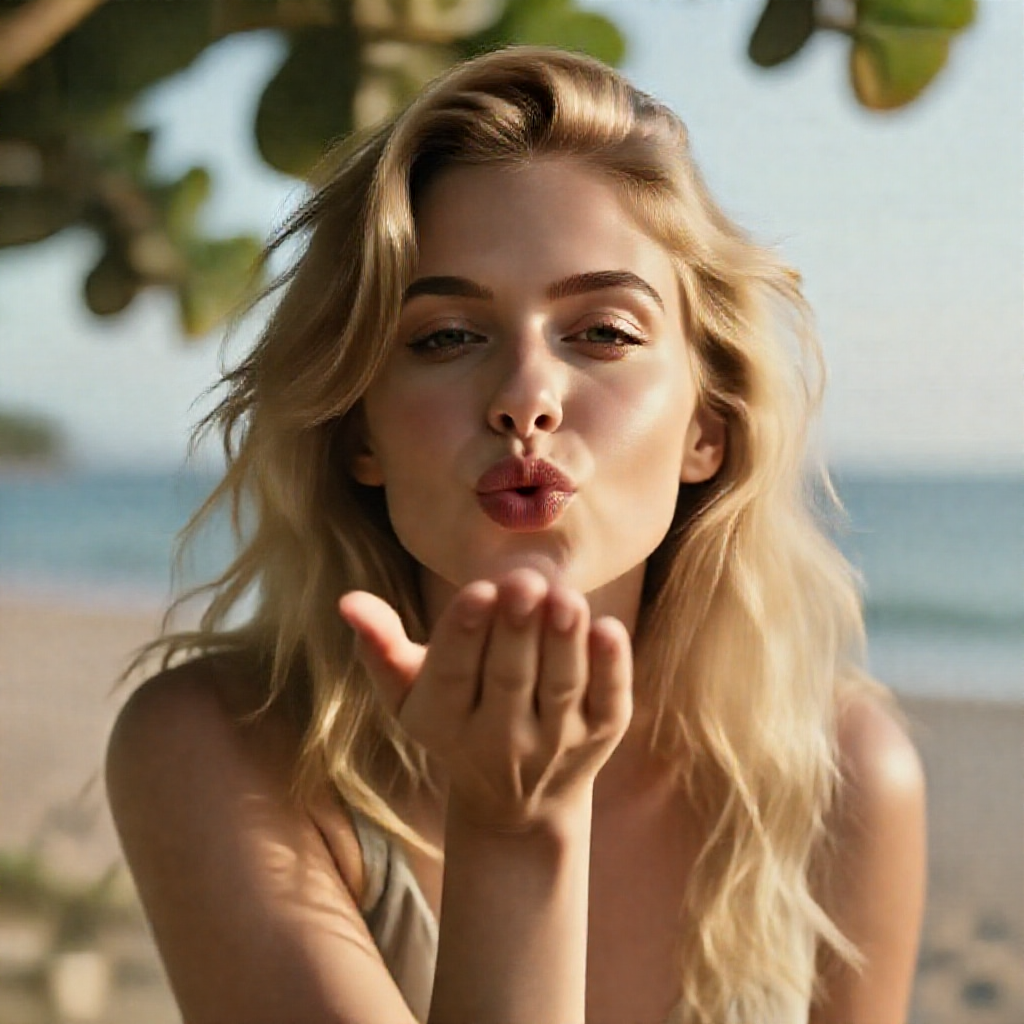
Model Shift node means how noise or how polished the output will be. The lower the value, more artifacts will be present, the greater the value, more waxy the result. The model’s author recommends using Model Shift value = 3. All generations below were using 9 steps.

				
					Blonde female with thick wavy hair, is sending a cute kiss to the camera, there are some out of focus tree leaves in front of her. Breezy seaside light, warm tones, cinematic close-up.


Model Shift 0.2
Time 14″

Model Shift 0.5
Time 14″

Model Shift 1
Time 14″

Model Shift 2
Time 18″

Model Shift 3
Time 14″

Model Shift 2
Time 18″

Model Shift 30
Time 14″

Model Shift 100
Time 18″

Denoise

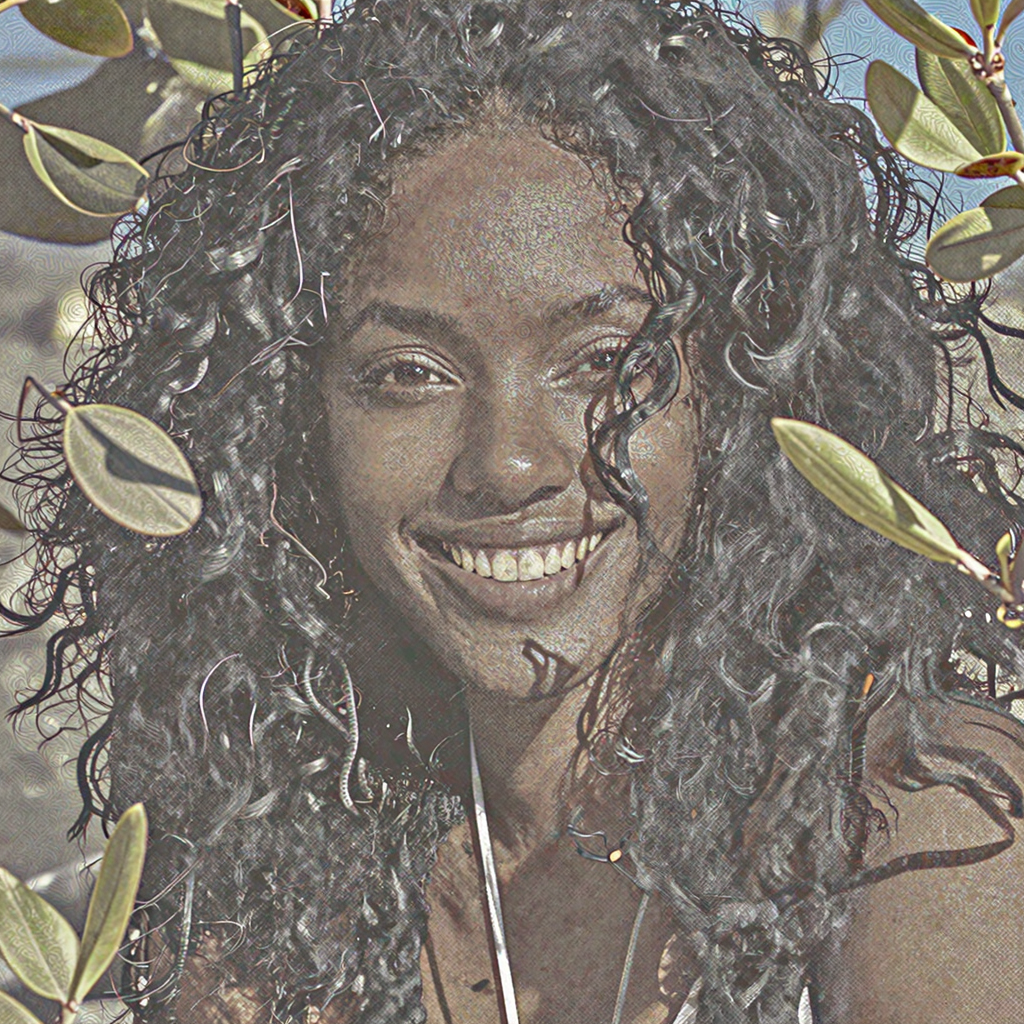
Noise means how soon must the model’s latent space calculations stop before processing the final output. The model’s author recommends using Noise value = 1. All generations below were using 9 steps and shift 3. Very interesting to see how noise greatly affects the output.

				
					Black female with thick wavy hair, is spontaneously smiling to the camera, there are some out of focus tree leaves in front of her. Breezy seaside light, warm tones, cinematic close-up.


Denoise 1
Time 14″

Denoise 0.9
Time 14″

Denoise 0.8
Time 14″

Denoise 0.7
Time 13″

Denoise 0.6
Time 13″

Denoise 0.5
Time 13″

Sampler

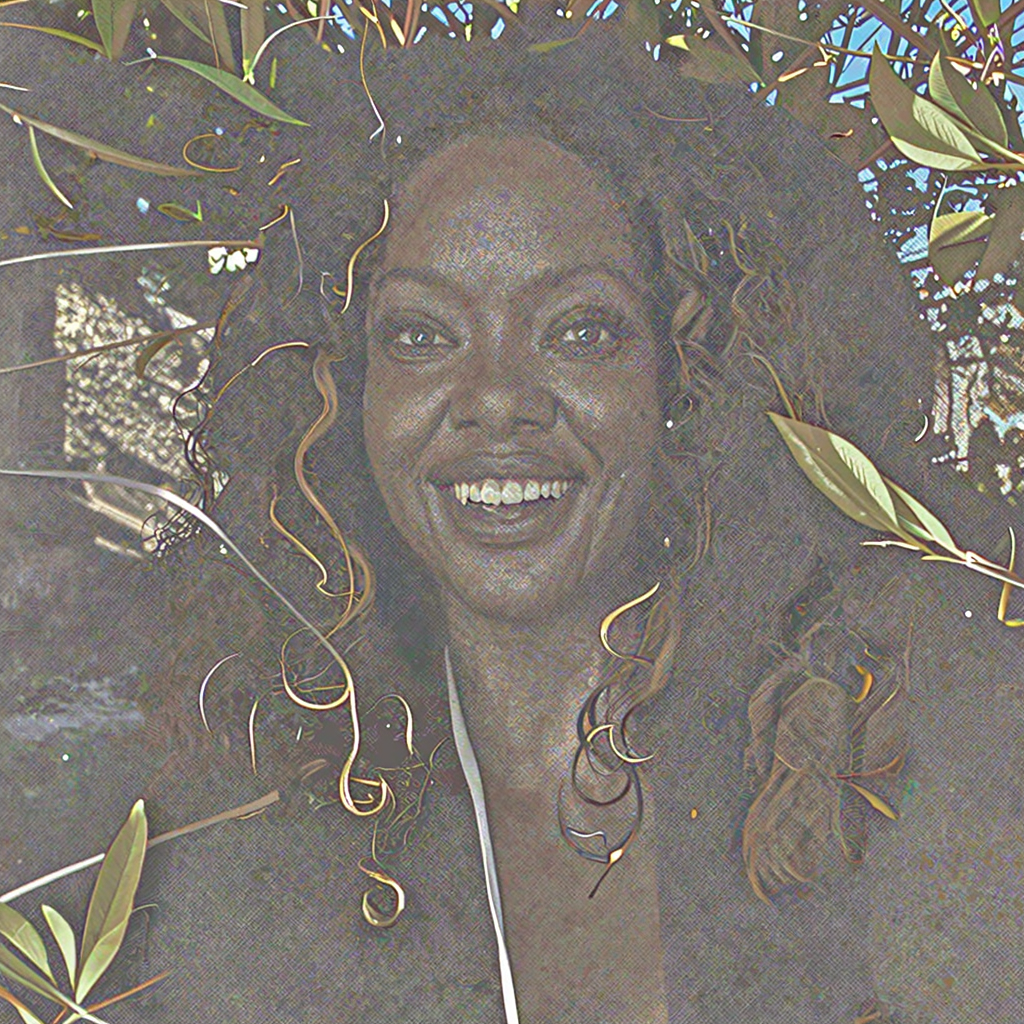
Sampler means the agent technology that will interpret the latent space according to the scheduler model and convert to a visual output. Each agent has it’s own algorithm and will influence mainly the time it needs to generate the final output, with some minor subtle aspect changes.  The model’s author recommends using sampler = res_multistep. More noticeable are the light streaks on her arm and the out of focus leaves. All generations below were using 9 steps and shift 3.

				
					Brazilian female with thick wavy hair, is holding her surf board, there are some out of focus tree leaves in front of her. Breezy seaside light, warm tones, cinematic close-up.


Sampler res_multistep
Time 19″

Sampler euler
Time 13″

Sampler heun
Time 24″

Sampler dmpp_2m
Time 14″

Sampler ipndm
Time 13″

Sampler deis
Time 13″

Sampler ddim
Time 13″

Sampler res_5s
Time 64″

Sampler res_6s_ode
Time 76″